Invoice processing still consumes hours for many freelancers and small business owners. You open an email and download a PDF. You copy amounts, type dates, and enter vendor names. Then you repeat those steps for every bill. A 2023 Ardent Partners report found a wide gap between teams. Best in class accounts payable teams process an invoice in 2.9 days. Others take 12.4 days. That gap often comes from manual data entry. It also comes from missing approvals and back and forth email. Automation closes this gap without a developer.
The fix is invoice processing automation. It uses software to capture invoice data automatically. That data moves through approval, accounting, and payment routes. No-code tools make this practical for solo freelancers and tiny teams. You do not need a developer or enterprise software. Platforms like n8n and Make let you build workflows in a visual editor. You connect email, cloud storage, OCR, and accounting apps. The system handles the repetitive parts. You review only the exceptions.
This guide explains the important pieces. You will learn what invoice processing automation is. You will see why it matters for freelancers and small teams. You will get a step by step breakdown of a working automated workflow. You will also see how to choose between n8n and Make. Finally, you can compare costs and expected results. The goal is simple: pay bills on time, avoid data errors, and recover your evenings. Each section answers a common question from new automators.
| Platform | Best For | Invoice Automation Strength | Pricing Model |
|---|---|---|---|
| n8n | Self-hosted teams and complex logic | Deep integrations, custom AI parsing, webhooks | Fair-use community plan, paid cloud from $20 per month |
| Make | Visual builders and multi-step approvals | Drag and drop scenarios, strong error handling | Free tier, paid plans from $9 per month |
| Zapier | Beginners and quick setups | Huge app library, simple approval steps | Free tier, paid plans from $19.99 per month |
What Is Invoice Processing Automation?

Invoice processing automation is a system that handles invoices from receipt to payment with minimal human touch. It starts when an invoice arrives. The invoice may come as an email attachment, a PDF in Google Drive, or a paper scan. The system extracts key fields like vendor, invoice number, date, total, tax, and line items. Then the workflow validates that information against rules. It routes the invoice to the right person for approval. After approval, it sends data to your accounting tool or payment system.
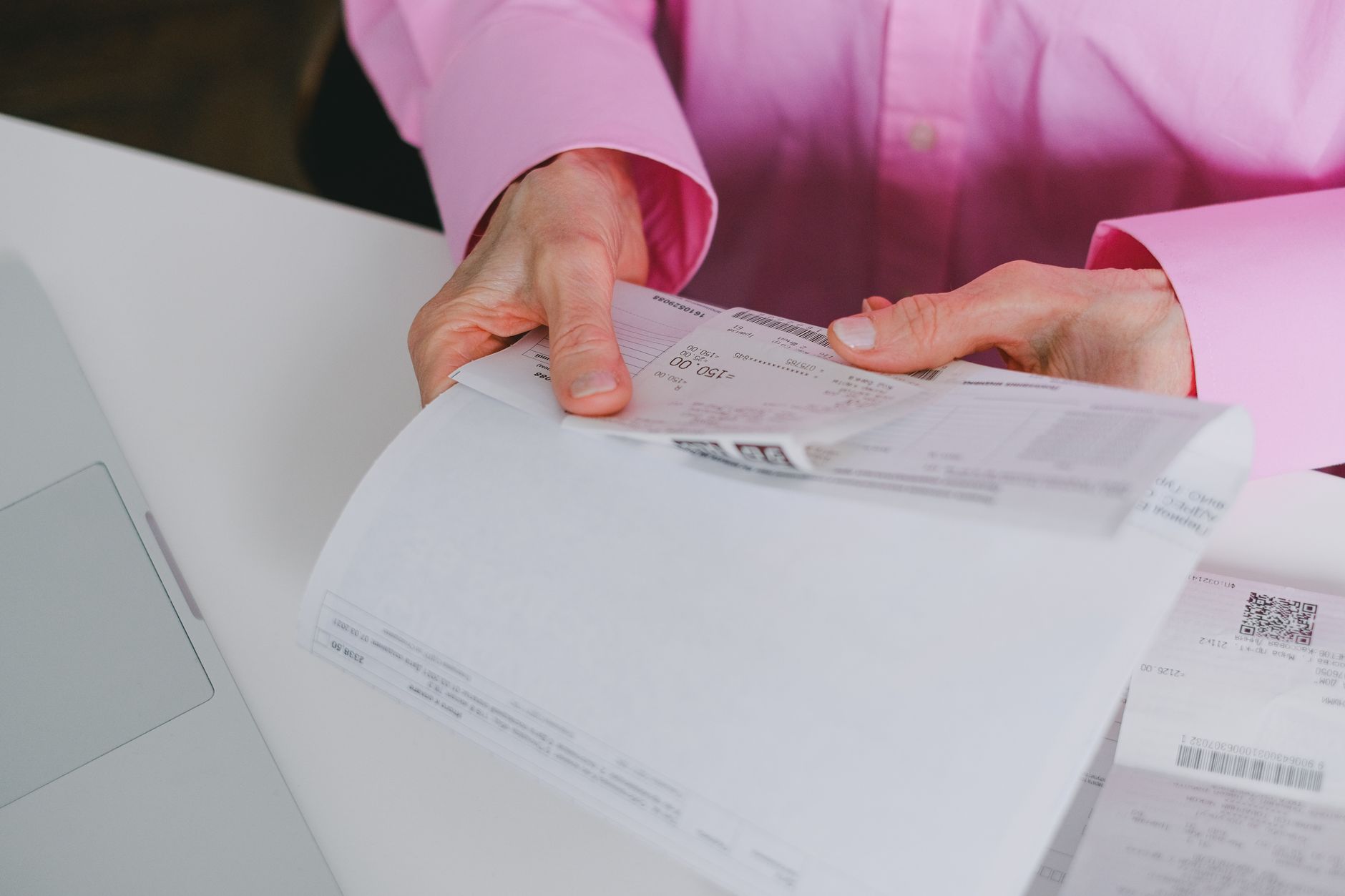
Manual invoice handling has many moving parts. A PDF sits in an inbox for two days. Someone types the total as $1,250 instead of $1,520. Another person asks if the work was approved. Those small delays compound. Automated workflows remove that friction. They use triggers and actions. A trigger might be a new email from a vendor. An action might extract data and create a record. Many no-code platforms include prebuilt invoice templates. You can learn more in this guide to automating invoicing with AI.
AI has made this even easier. Modern OCR tools can read messy PDFs. They handle different layouts without rigid templates. Large language models can map vendor names and line items. You can connect these models through n8n or Make. You do not need AI for every step. A simple rule based workflow works for many small businesses. The key outcome is the same: no more manual retyping.
Automation also changes how you think about invoice data. Instead of a pile of PDFs, you get structured records. Those records can live in a spreadsheet or database. You can sort by due date or vendor. You can export summaries for tax time. The transition from chaos to order is fast. It starts with a single trigger and a few actions.
Why Do Freelancers and Small Businesses Need This?
Freelancers often handle accounts payable alone. They also serve clients, manage projects, and market their business. Every hour spent on admin is an hour not billed. Invoice automation returns that time. Ardent Partners data shows best in class teams process invoices 76 percent faster than everyone else. That speed matters when you have limited capacity.
Manual processing also costs real money. Industry estimates put manual processing between $13 and $50 per invoice. Automated processing can reduce that to under $5 per invoice. The savings come from fewer errors, fewer late payments, and less labor. For a freelancer receiving 25 invoices per month, that is $200 to $1,000 in avoided monthly cost. Not every estimate fits every business. But the direction is clear.
Another reason is error reduction. A mistyped total can cause missed payments and damaged vendor relationships. Automated extraction creates a consistent data path. You still review high risk invoices. But the baseline accuracy improves. Automation also creates a trail. You can see when an invoice arrived, who approved it, and where it was sent. That audit trail helps during tax season. Pair this with an email follow-up automation to keep approvals moving.
Late fees are a hidden drain. A single missed payment can cost $25 to $75. If that happens twice a month, it erodes profit. Automated reminders and due date tracking help you avoid those fees. You can also set up approval alerts so invoices do not wait on an inbox.
How Does an Automated Invoice Workflow Work?

A typical no-code invoice workflow has five stages. First, a trigger watches for new invoices. That trigger could be a new email in Gmail, a new file in Dropbox, or a webhook from a form. Second, an extraction step pulls data from the document. Tools like Google Document AI, Mindee, or OpenAI can read the text. You can also use simple PDF parsers for consistent invoices.
Third, the workflow validates and cleans the data. It checks for missing fields, duplicates, and unusual totals. It can look up vendor IDs or match purchase orders. If validation fails, the system sends a notification. If it passes, the data moves forward. Fourth, the approval step routes the invoice to the right person. Approval can happen through Slack, email, or a simple form. The person clicks approve or reject. Their decision feeds back into the workflow.
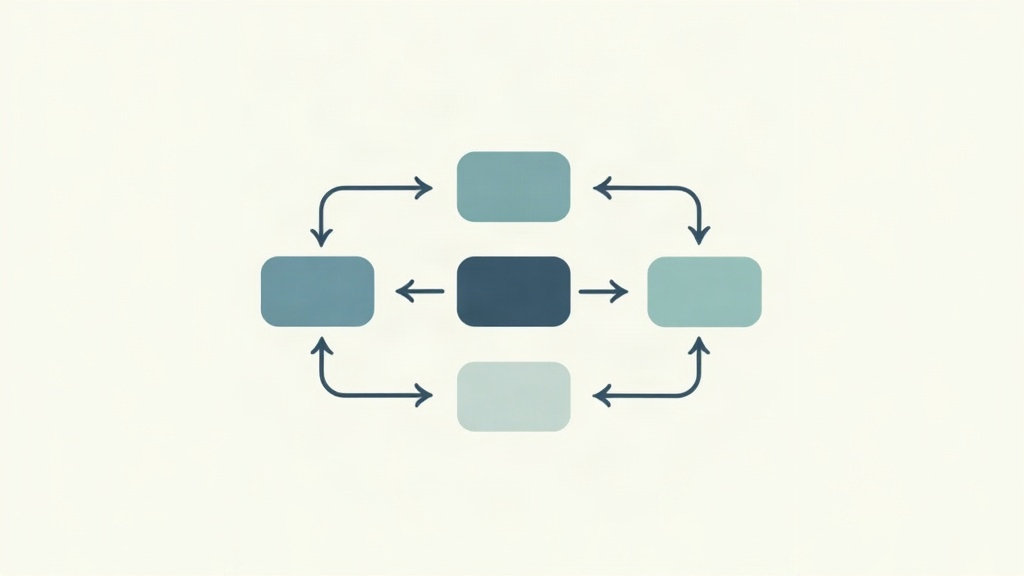
Fifth, the data enters your accounting tool. Common destinations include QuickBooks, Xero, Wave, or a Google Sheet. The workflow records payment due dates and file attachments. You can build this step by step in n8n. The visual editor shows triggers and actions as nodes. You connect them like a flowchart. Make offers a similar scenario builder. Both support conditional logic and error handling. Once the workflow runs, you have a repeatable invoice engine.
Error handling matters more than you think. A good workflow logs every run. It stores the original PDF and the extracted data. If something fails, you can replay the step. You can also branch by vendor or currency. Conditional logic lets you apply different rules for different invoice types. This makes the system robust.
- Trigger captures the invoice from email, cloud storage, or a webhook.
- Extraction pulls vendor, date, total, tax, and line items.
- Validation checks missing fields, duplicates, and unusual totals.
- Approval routes the invoice to the right person via Slack or email.
- Accounting integration sends data to QuickBooks, Xero, or Google Sheets.
Which Tools Should You Use for Invoice Automation in 2026?
Three platforms stand out for no-code invoice processing. n8n is strong for self hosting and complex logic. It offers 400 plus integrations and a fair use community plan. Make has a visual drag and drop builder with deep app connections. Zapier is the most beginner friendly, though its per task pricing can get expensive for high volume. All three can handle invoice extraction and routing.
For document extraction, you can attach AI tools. OpenAI’s API can parse invoice text from messy PDFs. Google Cloud Document AI is another option. Some users prefer specialized OCR tools like Mindee or Rossum. The choice depends on your invoice volume and variety. If your vendors send similar PDFs, a simple parser works. If you receive unusual layouts, use an AI model.
Your accounting app also matters. QuickBooks and Xero have native integrations with most automation tools. Wave and FreshBooks work too, though sometimes through an API call. A free Google Sheet can serve as a temporary database. You can start there and move to accounting software later.
Start with the platform that matches your current stack. If you already use Gmail, Drive, and QuickBooks, any tool works. If you want to self host for privacy, n8n is a strong fit. If you prefer polished visuals, Make feels intuitive. Zapier works well when you need a quick proof of concept. You can always migrate later.
Can You Build This Without Writing Code?

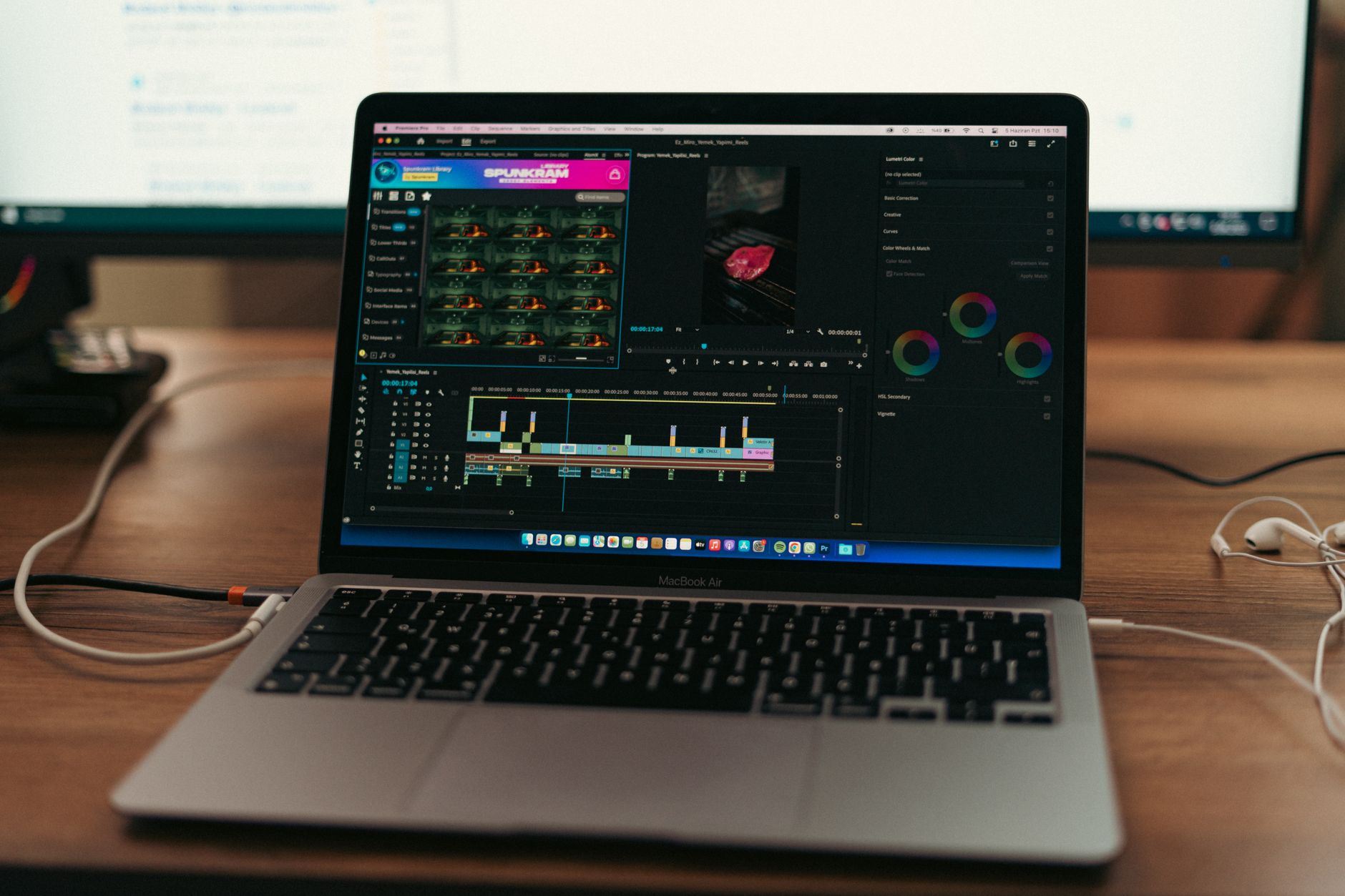
Yes. This is the whole point of no-code automation. You do not need Python, JavaScript, or API knowledge. You arrange triggers and actions in a visual canvas. n8n and Make both use drag and drop nodes. You click a node to configure its settings. You test the workflow with sample data. Then you activate it.
There is still a learning curve. You must understand your invoice flow. Map the steps on paper first. Decide which email inbox receives invoices. Know which fields you need from each PDF. Decide who approves what. That planning takes more time than the technical build. Once you know the flow, the tool setup is straightforward.
If you want to self host n8n on your own server, you can follow a simple guide. Self hosting n8n on a $5 VPS gives you full control over data and costs. That approach suits freelancers who handle sensitive client invoices. Cloud options are faster to start. Either way, you avoid a developer.
A common mistake is automating too much too soon. Start with one vendor and one invoice format. Test the workflow for a week. Then expand to more vendors. Another mistake is skipping the approval step. Even if you are the only person, keep a review step for high totals. That prevents costly errors.
What Does It Cost and What Results Can You Expect?
Costs vary by platform and volume. n8n has a free community edition for self hosting. Cloud plans start around $20 per month. Make has a free tier with 1,000 operations per month. Paid plans start near $9 per month. Zapier’s free plan is limited. Paid plans start around $19.99 per month. OCR and AI extraction add separate costs. OpenAI charges per token. Google Document AI charges per page. Even so, total monthly cost often stays under $50 for small teams.
Expected results depend on volume. A freelancer with 20 invoices per month might save 4 to 6 hours. A small business with 100 invoices per month can save 15 to 25 hours. You also reduce late fees and duplicate payments. The Ardent Partners data suggests a 76 percent faster cycle for best in class teams. That speed helps you capture early payment discounts and keep vendors happy.
The real value is less strain. You stop opening every PDF and retyping totals. You get a central log of invoices. You can spot cash flow issues faster. If a vendor sends a duplicate, the workflow flags it. If a total looks too high, you get an alert. These small checks add up. You can then focus on higher value work or actual billable hours. That is the promise of invoice automation. For a deeper dive, read this guide to automating invoicing with AI.
Frequently Asked Questions
Can invoice automation handle handwritten or scanned invoices?
Yes, with OCR or AI based extraction. Tools like Google Document AI, Mindee, or OpenAI can read messy scans and PDFs. Handwriting accuracy has improved but still works best with clear, legible documents.
Do I need an accounting software integration?
Not strictly. You can start with a Google Sheet or database as the destination. Later you can connect QuickBooks, Xero, Wave, or FreshBooks. The accounting integration makes reconciliation faster.
How long does it take to set up an invoice automation workflow?
A basic workflow can be built in one to three hours. That assumes you already know your invoice flow and have access to email, storage, and accounting apps. Complex approval chains take longer.
Is it safe to share invoice data with no-code tools?
Most platforms encrypt data in transit and at rest. You should review each tool’s privacy policy and use least privilege access. Self hosting n8n gives you the most control over sensitive invoice data.
What if an invoice fails data extraction?
Good workflows include an exception path. The system logs the original file and sends an alert. You can then review and correct the missing fields manually. The workflow can replay the step once corrected.
Which is better for invoice automation, n8n or Make?
n8n suits self hosting, complex logic, and teams that want full control. Make has a polished visual builder and strong multi-step approvals. Both handle invoice extraction well. Choose based on your comfort level and volume.
What Should You Remember?
- Invoice automation removes manual retyping of vendor, date, total, and tax fields.
- No-code platforms like n8n, Make, and Zapier let you build workflows without developers.
- AI extraction handles messy PDFs and scanned invoices with high accuracy.
- Approval routing keeps high risk invoices in review while low risk ones move automatically.
- Typical savings range from $8 to $45 per invoice when manual work is removed.
- Start small with one vendor and one format before expanding to all invoices.
- Self hosting n8n on a low cost VPS gives you privacy and unlimited workflow runs.
This article is for general information only. Review your workflow data and the permissions you grant to connected tools before you enable automation. Some platforms have free-tier limits and paid plans that change over time , always check current pricing and plan limits on the vendor’s site before you commit.